An AI Co-Agent that boosted PM–researcher collaboration 3×.

A UC Santa Cruz capstone with Microsoft's innovation team that boosted work efficiency by 8.3%.
Great technology wasn't becoming great products.
Microsoft Research turns AI into products, but turning breakthroughs into user value was slow and often failed.
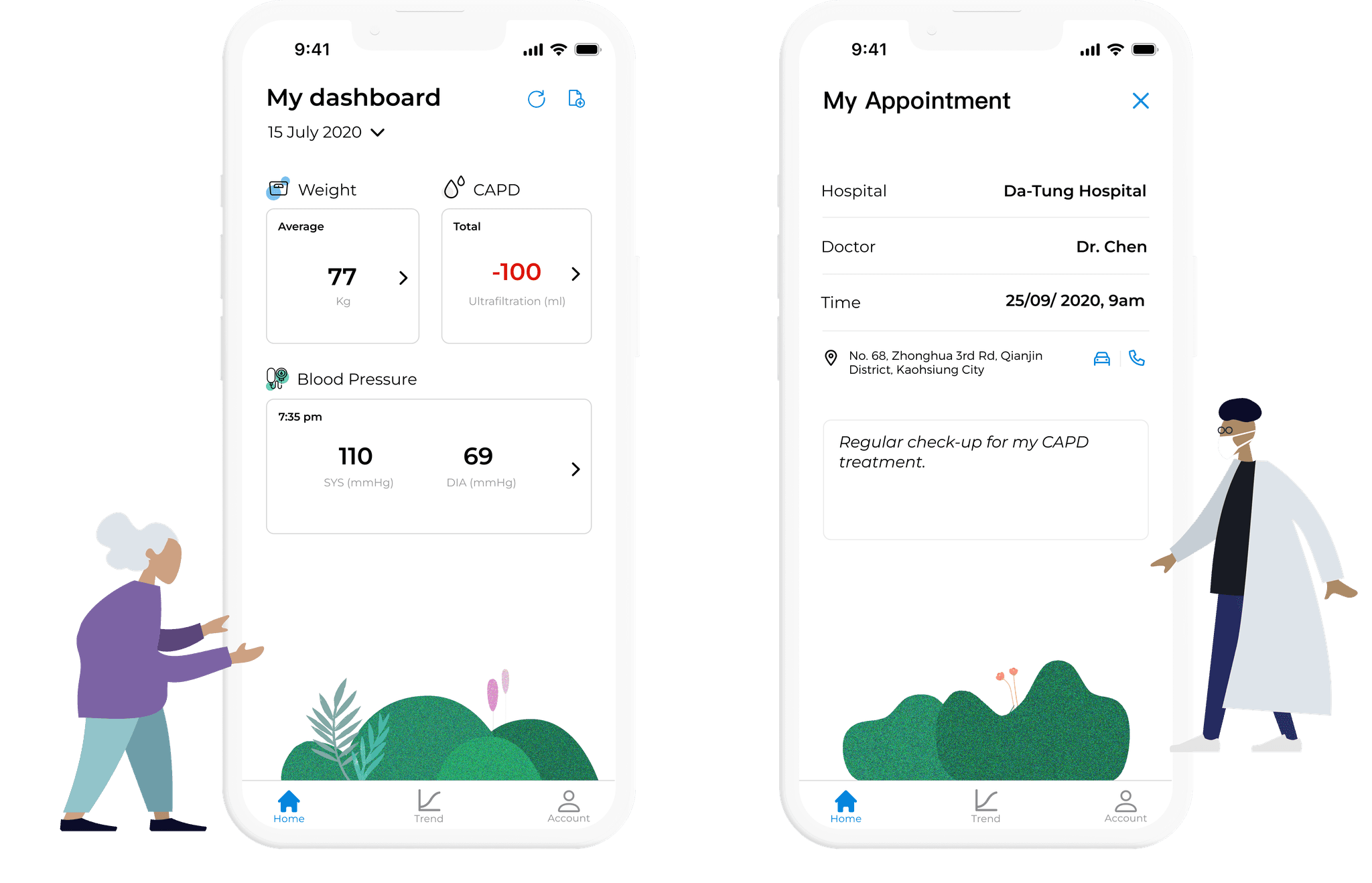
An AI agent in Word that drafts and revises product specs, so PMs and researchers stay aligned.
15 people. Three pain points.
Hour-long interviews with researchers, designers and PMs on Microsoft's innovation team.
“Projects might be terminated due to their P&L evaluations, which often deem them too risky.”
“I am the only person who does what I do.”
“Users know what they want, but they don't know the best approach to get it.”
Three issues stood in the way.


The gap was between PMs and researchers.
- Assumes user needs without validation.
- Can't easily find or use research.

- Can't track their impact.
- Struggles to turn insights into priorities.
How might we help PMs decide with confidence, backed by research and tied to business goals?
Built into Copilot, inside Word.
Where PMs already write their specs.


Tested early, with real users.
A lo-fi prototype with 1 PM, 1 UX researcher and 3 users.

“The tool should be more focused on UX outputs, such as user needs documents.”
“It should be positioned from the PM's perspective, based on the product requirement document.”
“Provide example values for each metric. Include shortcuts in the chat box.”
Refined by users and AI insights.

Extras like journey maps got in the way.

Built around how PMs actually work.

A centered chatbot covered the spec.

The doc and the AI stay in view together.
Three features. One flow.

Assumption generation
PMs guessed at users from marketing reports.
CoAgent drafts assumptions from real research data.

UX metrics, visualized
Findings lived in long, text-heavy reports.
It turns research into Jobs-to-Be-Done PMs can act on.

Insights meet business goals
User stories and business goals didn't connect.
One map links pain points to business impact.
Faster specs. Better decisions.
Surveyed 20 PMs and 10 UX researchers.
About 5 hours saved per PM, every week.
Of PMs felt more confident deciding.
Quicker to finalize requirements.
Broad scope, real constraints.
Recruiting Microsoft PMs was hard, so testing with peers filled the gap. Next, we're publishing this work as an academic paper.