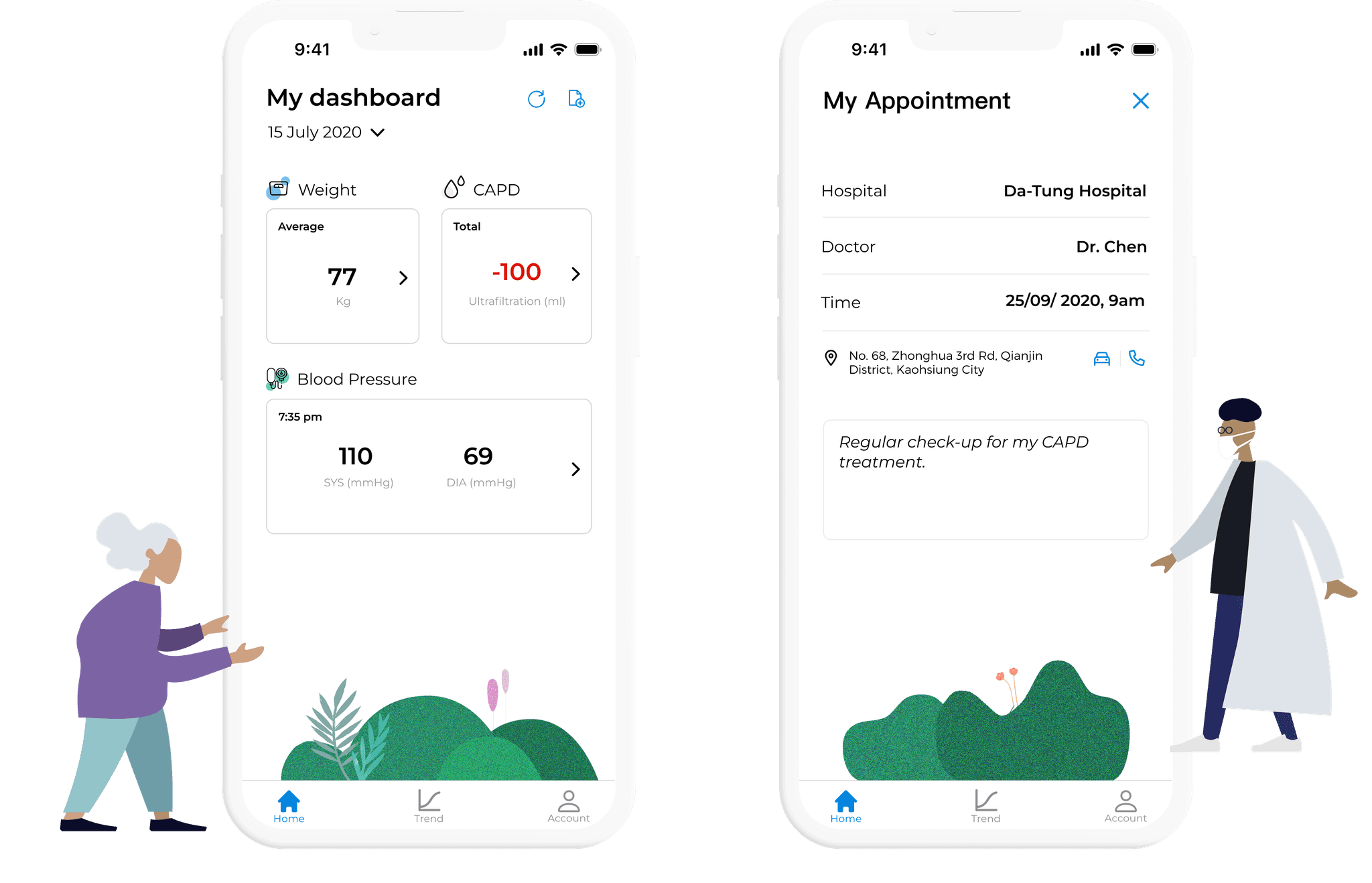
An AI Co-Agent that boosted PM–researcher collaboration 3×.

A UC Santa Cruz capstone with Microsoft's innovation team that boosted work efficiency by 8.3%.
Great technology wasn't becoming great products.
Microsoft Research turns AI into products, but turning breakthroughs into user value was slow and often failed.
An AI agent in Word that drafts and revises product specs, so PMs and researchers stay aligned.
15 people. Three pain points.
Hour-long interviews with researchers, designers and PMs on Microsoft's innovation team.
“Projects might be terminated due to their P&L evaluations, which often deem them too risky.”
“I am the only person who does what I do.”
“Users know what they want, but they don't know the best approach to get it.”
The gap was between PMs and researchers.
- Assumes user needs without validation.
- Can't easily find or use research.

- Can't track their impact.
- Struggles to turn insights into priorities.
How might we help PMs decide with confidence, backed by research and tied to business goals?
Built into Copilot, inside Word.
Where PMs already write their specs.


Tested early, with real users.
A lo-fi prototype with 1 PM, 1 UX researcher and 3 users.

“The tool should be more focused on UX outputs, such as user needs documents.”
“It should be positioned from the PM's perspective, based on the product requirement document.”
“Provide example values for each metric. Include shortcuts in the chat box.”
Key frame iterations guided by user and AI insights

Users think this feature should focus on the PM’s perspective and common workflows, excluding elements like the user journey they don’t use.

The template is tailored to the PM’s perspective, making the PRD more goal-oriented and providing a clear, structured guide.

The AI chatbot appearing in the center of the page makes it difficult for users to view their original document simultaneously.

Positioning the AI chatbot beside the product requirements document makes it easier for users to compare the content and ask questions to the AI.
Outcome
Each feature, recorded in Word. Click a recording to open it full size.
Feature 1 · Assumption Generation
PMs often base user assumptions on marketing reports, risking misaligned product decisions.
CoAgent addresses this by generating data-driven assumptions from user insights. It processes user data collected by researchers to provide PMs with grounded, actionable insights.

Feature 2 · UX Metrics Visualization
UXRs struggle to translate text-heavy findings into visual, actionable formats tailored to a PM’s needs.
The feature analyzes user research to identify themes and motivations, converting them into actionable Jobs-to-Be-Done statements that link user needs to business goals for PMs.

Feature 3 · User Insights and Business Goal Mapping
PMs struggle to align user stories with business goals and find it hard to align with UXR’s work.
This feature uses business goals, user insights, and data to create an actionable map, aligning user pain points with business impact and bridging goals to solutions.
Faster specs. Better decisions.
Surveyed 20 PMs and 10 UX researchers.
About 5 hours saved per PM, every week.
Of PMs felt more confident deciding.
Quicker to finalize requirements.
Broad scope, real constraints.
Recruiting Microsoft PMs was hard, so testing with peers filled the gap. Next, we're publishing this work as an academic paper.